



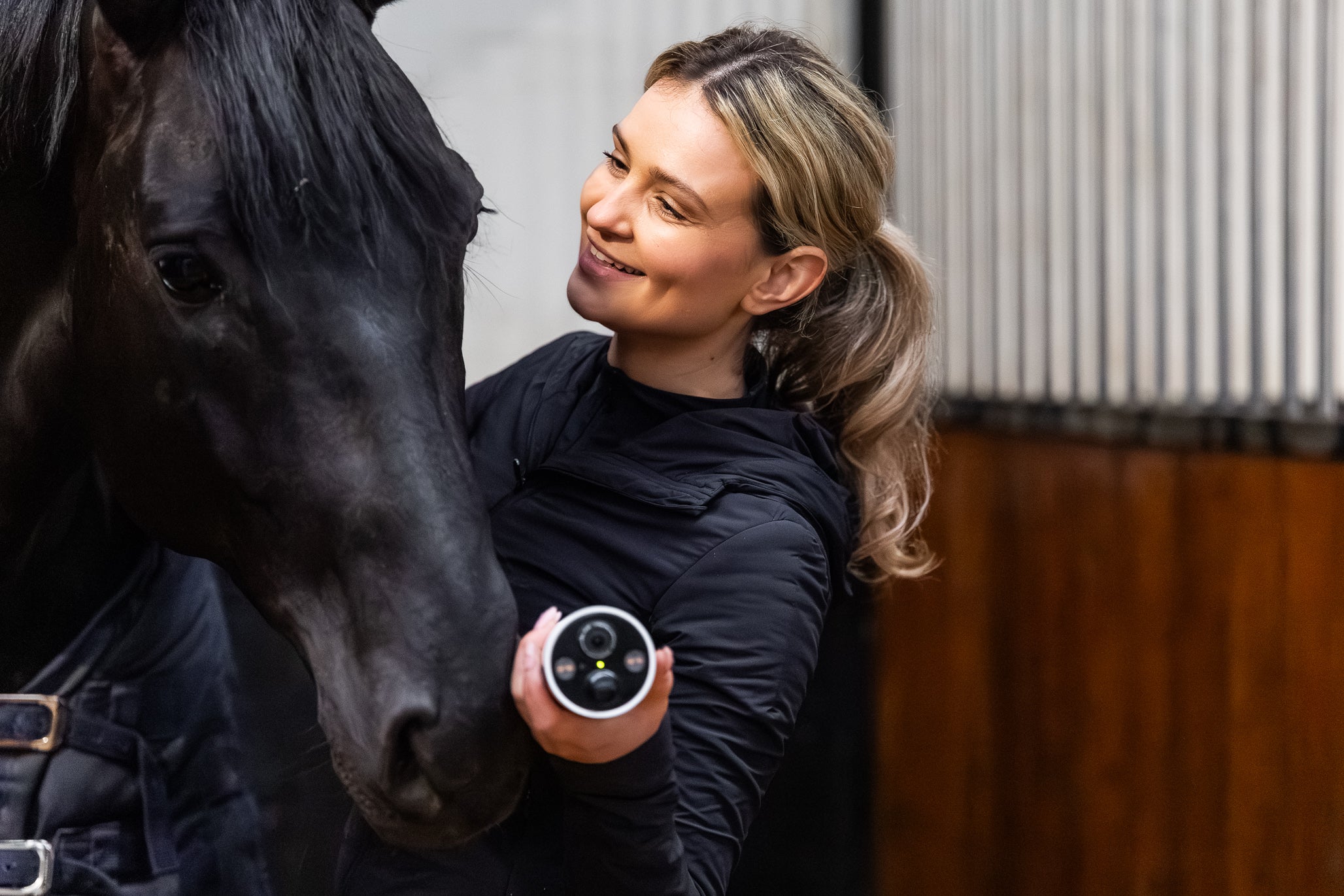
Everything you need to get started with your Horse Watch camera right away. Every camera is delivered personally set up and tested by us — you only need to install the app and log in with the details supplied.
Choose your product
For each product you will find the quick start and the full manual, in several languages. The QR code in the leaflet that came with your camera leads to the same manuals.
 Horse Watch Pro4G camera with router — pre-configuredNL · EN · DE · DAOpen the manual →
 Horse Watch Pro 360 4GRotating 4G camera with its own SIM and solar panelNL · EN · DE · DAOpen the manual →
 Horse Watch 360Rotating camera — watch from anywhereNL · EN · DEOpen the manual →
 Travel ViewWireless trailer camera with its own screenNL · EN · DE · FR · ESOpen the manual →
 Horse Watch Go · Travel 4G EUCompact 4G camera with its own SIM and UBox appNL · EN · DE · DAOpen the manual →
 Horse Watch AirGoCordless fan on a power bank: assembly, hanging, operationNL · EN · DE · DAOpen the manual →
 Horse Watch Rinse & GoPortable battery-powered horse shower: fill, rinse, maintainNLOpen the manual →
 Prepaid Data SimkaartTop-up, subscription and coverageNL · EN · DEOpen the manual →
CEECOACH
Everything for the CEECOACH Plus, and the older CEECOACH 1 and 2: our own manuals in four languages, the official manuals from peiker CEE and always the latest software.
Go to the CEECOACH manuals →Video tutorials
Watch our video tutorials with step-by-step instructions:
Need more help?
Have a look at the frequently asked questions or contact us — we are happy to help you personally via WhatsApp, email or phone.
Good to know: data usage of your camera · all about the prepaid SIM card · prepaid top-up.