



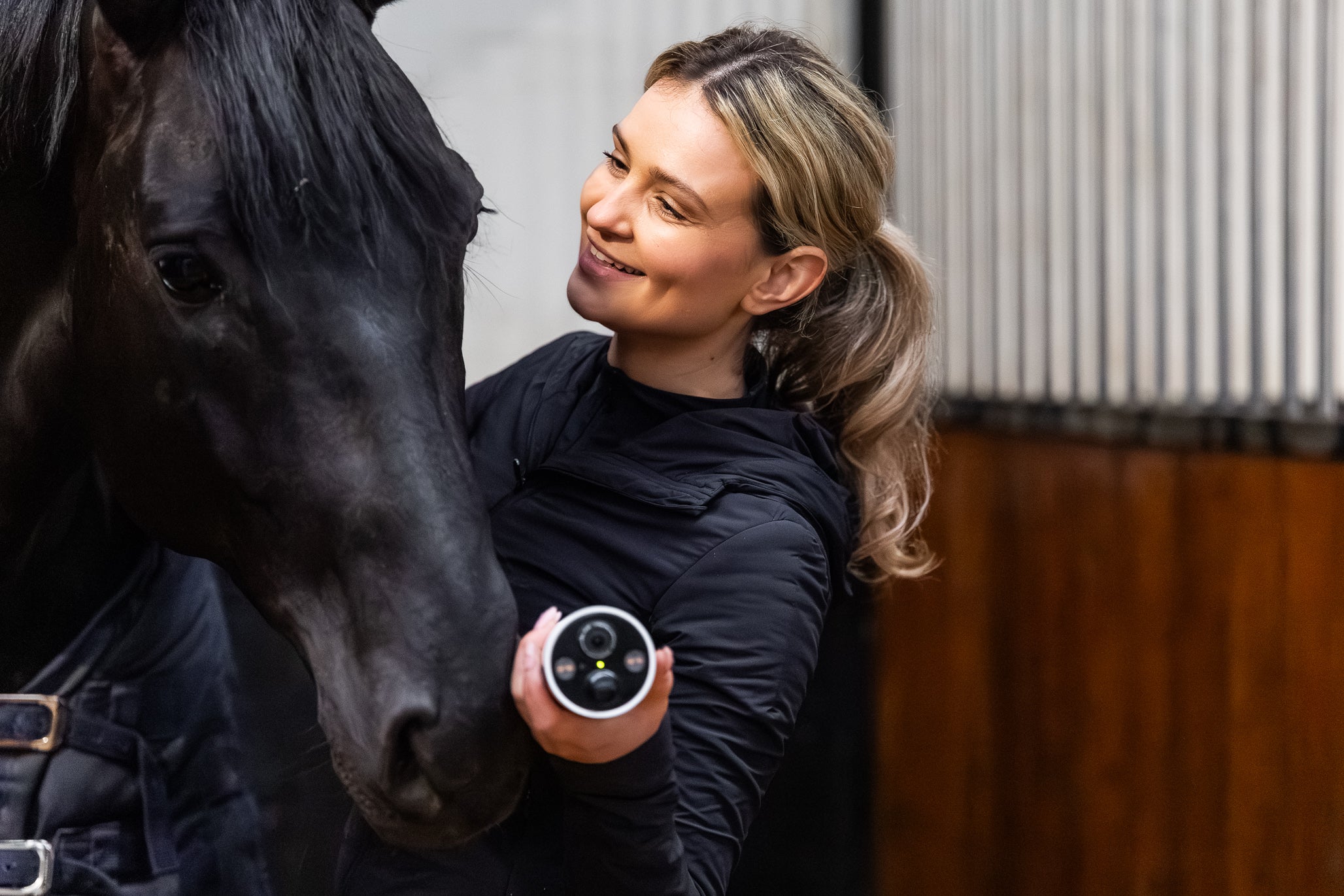

CEECOACH
Everything for the CEECOACH Plus, and the older CEECOACH 1 and 2: our own manuals in four languages, the official manuals from peiker CEE and always the latest software.
Everything also on manuals.horse-watch.nl →Our manuals for the CEECOACH Plus
Official manuals from peiker CEE
Software updates for CEECOACH Plus, 1 and 2
CEECOACH software updates
peiker CEE regularly releases new software for the CEECOACH units. The latest files are always listed here; we check this daily.
CEECOACH Plus
The update program detects the latest software itself and installs it on your unit. Connect the unit to your computer with the USB cable and start the program.
Update program for Windows 1.8.10.3 ↓Update program for macOS 1.0.18 ↓
CEECOACH 1 and CEECOACH 2
Latest software: version 02.24 (Windows only). All units in a group must run the same version.
- Download and install the update program.
- Download and install the driver.
- Download the update file (DFU) for your model.
- Connect the unit to the PC, start the update program and select the DFU file.
Update program 3.3.6.3 ↓Driver ↓Update file CEECOACH 1 02.24 ↓Update file CEECOACH 2 02.24 ↓
Windows says “Windows protected your PC”? Click “More info” and “Run anyway”.
Source: peiker CEE · checked on 21-10-2026